Tattoo Lettering Size Calculator & Cursive Tattoo Dimensions
A tattoo lettering reference is more useful when it carries clear dimensions. A screenshot alone cannot tell an artist whether a name is intended to be a small detail or a broad statement. This tattoo lettering size calculator takes your chosen width, measures the selected font, and scales the lettering proportionally. It reports the resulting height and equivalent physical units so you can discuss a concrete design. The result is a planning estimate for digital artwork. Skin, placement, technique, and the artist's adjustments can change the eventual appearance, so the preview should support that conversation rather than replace it.
Calculate Name Tattoo Width and Height
Enter the name or short phrase, choose a script, and set a desired width in inches, centimeters, or millimeters. The calculator measures the font's complete rendered lines and finds a size that stays within your bounds. With no preferred-height limit, the width normally determines the scale. If you add a restrictive height, the design may become narrower to preserve its proportions. Both measured dimensions are shown so that this change is explicit. Conversion uses exactly 2.54 centimeters or 25.4 millimeters per inch. The internal ninety-six-CSS-pixel reference translates font measurements into physical layout coordinates; it does not assume that your screen displays an actual-size tattoo.
Preview Cursive Tattoo Lettering Sizes
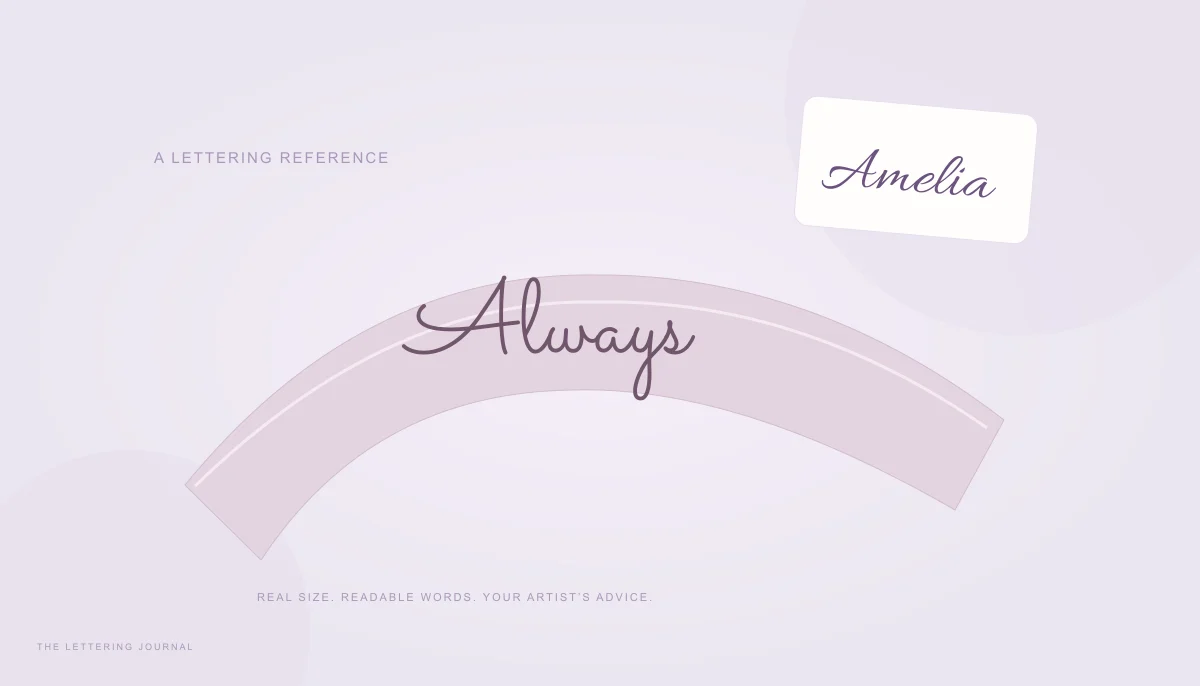
Use this tattoo font preview to compare the shape of the design. The ruler marks and bounding box clarify its boundaries, while the preview scales down to fit your screen. They are visual guides rather than calibrated physical measurements. Expand the comparison section to see the same arrangement at several proportional widths on a shared scale. A light skin-tone background can help you inspect dark lettering against a warmer surface, and plain white remains available for a neutral view. This background is a simple flat color, not a prediction of skin color, texture, curvature, or healing. The transparent download omits it so that your reference can be placed into another document without a surrounding rectangle.
Cursive Name Tattoo Size & Script Tattoo Font Styles
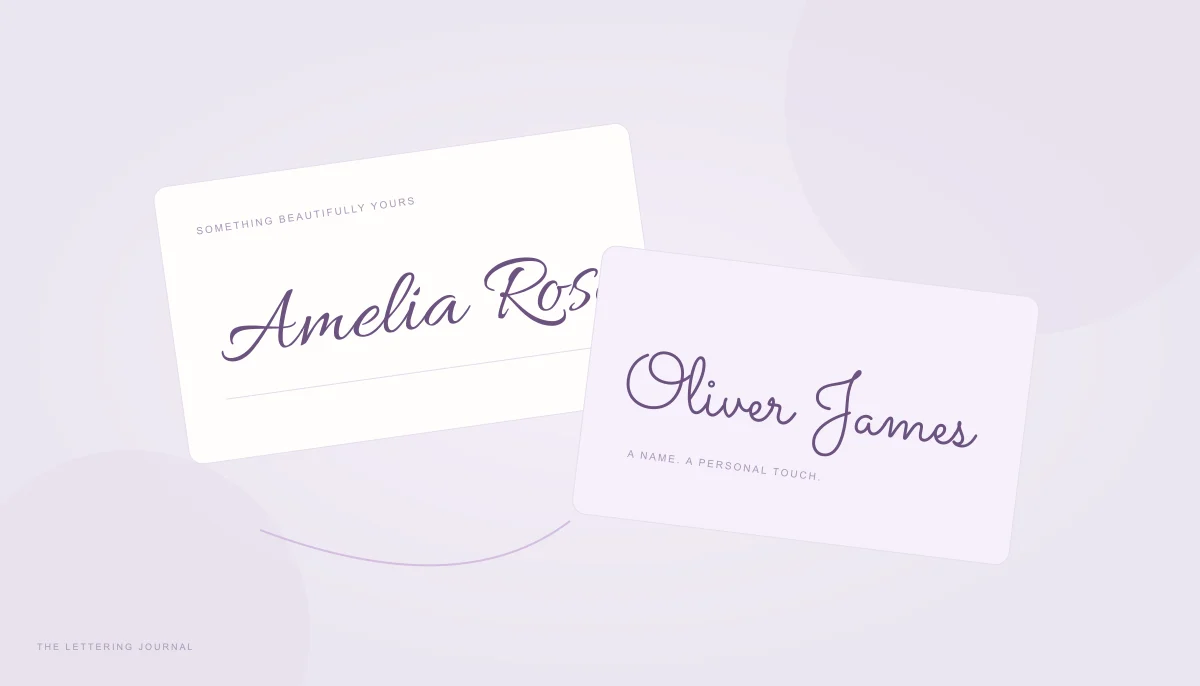
Cursive tattoo fonts vary in much more than slant. Some use slender connecting strokes, others have broad forms, and some surround a name with large capital flourishes. These differences affect both the name tattoo size and the amount of detail contained within it. Comparing tattoo writing styles at a constant width makes those differences easier to explain. Keep the wording and desired width unchanged while comparing families. A measured height increase may come from a capital rather than larger lowercase letters. The guide to cursive tattoo fonts for names offers a useful starting point for comparing styles before discussing how a chosen digital reference could be adapted by an artist.
Small Cursive Name Tattoo Lettering
The small-name preset is a convenient comparison width, not a statement that every font will work as a tattoo at that size. Look carefully at tiny counters, tightly repeated loops, and very fine entry strokes. A highly decorative name can contain more visual complexity than its overall width suggests. Increasing tracking may separate some forms, but it can also break connections that give the script its character. Avoid treating a readable zoomed-in preview as proof that the same detail will remain clear at actual size. Print the reference, inspect it without magnification, and ask your artist which details need simplification or a different scale.
Choosing the Best Size for Script Tattoos
The best tattoo font size depends on the specific wording and the planned location. A long surname and a pair of initials need different proportions even when their target widths match. Try medium and large presets to understand how the same forms change, then enter a custom width based on a discussion about placement. A flat rectangle cannot model a curved wrist or the movement of skin. If your artist redraws a flourish or changes spacing, the original aspect ratio may no longer apply. Measure the revised artwork again instead of assuming that the first calculated dimensions remain valid after the design itself has changed.
How to Measure Tattoo Lettering Before Printing
A useful reference separates the lettering's dimensions from the image file surrounding it. This tool reports the measured words, then adds a small safety margin to exported artwork so that overhangs and edge pixels are protected. The output image therefore has slightly larger physical dimensions than the lettering bounds. Keep the copied measurements with the file so the distinction is clear. You can use the Text Width Calculator to explore a fixed nominal font size, but this tattoo tool works from a desired physical width and preserves the measured design proportions while finding its scale.
Enter Your Name and Select a Tattoo Font
Use the final spelling, capitalization, and punctuation. A changed initial or an added date can materially alter the tattoo lettering dimensions. Single-line mode keeps the phrase together; multiline mode preserves the line breaks you enter rather than inventing a new arrangement. Adjust line height when stacked words need more separation. Compare script tattoo fonts using the actual name rather than a generic sample because different letter combinations create different joins. Characters outside a bundled font's coverage may use a browser fallback, so inspect accents and symbols closely. The name-writing guide provides additional ideas for comparing full names, shortened forms, and initials.
Adjust Tattoo Width and Download a Preview
Change the physical width in small steps and watch the resulting height. Switching units converts the current measurements rather than changing the intended size. Three inches becomes 7.62 centimeters, so the design should retain its proportions. Choose a PNG resolution appropriate for your printing workflow, then download the transparent reference or the high-resolution PNG. The artwork is redrawn from the font at the selected resolution; it is not a stretched browser screenshot. Both tattoo download options preserve transparency for flexible placement. A two-millimeter safety margin is added on each side, and the status message reports the complete exported pixel dimensions and embedded print density.
Tattoo Lettering Sizes in Inches and Centimeters
Physical units make a lettering reference easier to discuss across different tools and paper templates. The calculator displays inches, centimeters, and millimeters together so that you do not need to reinterpret a CSS font size as a body measurement. The displayed point size is the digital font scale under the stated reference convention, not a guarantee of visible tattoo height. The actual height comes from the measured letterforms. If you need a page of references at a particular paper size, use the Calligraphy Print Size Calculator and verify the final page settings before printing.
Tattoo Font Size and Readability
A design can satisfy width and height limits while containing unsuitable fine detail. This calculator does not establish minimum safe line thickness, predict ink spread, or determine how a tattoo will age. Review fine strokes, narrow gaps, skin curvature, healing, and long-term readability with a professional tattoo artist. Show the artist the plain lettering at actual size as well as any enlarged detail view. Ask how the lettering could be simplified without changing the name's identity. If spacing is part of that discussion, the Calligraphy Letter Spacing Calculator can generate comparative references, but the artist should decide how those digital changes translate into the final drawing.
Tips for Printing Tattoo Lettering Designs
Print at actual size or one hundred percent scale, and turn off automatic fit-to-page enlargement or reduction. Check the lettering width with a physical ruler; printer software can ignore image density or apply its own margins. Remember that the file includes safety padding, so measure the lettering itself when comparing it with the copied width. For repeated references, label each print with its font, width, and arrangement. Keep an unmirrored version for ordinary review; any stencil preparation belongs to your artist's workflow. Return to the main font generator for alternative visual styles if the first reference needs a simpler starting point before another sizing discussion.