How to Get Cursive Fonts on Instagram Bio Using iPhone or Android
Create true Unicode script for a profile or caption, with practical checks for iPhone and Android.
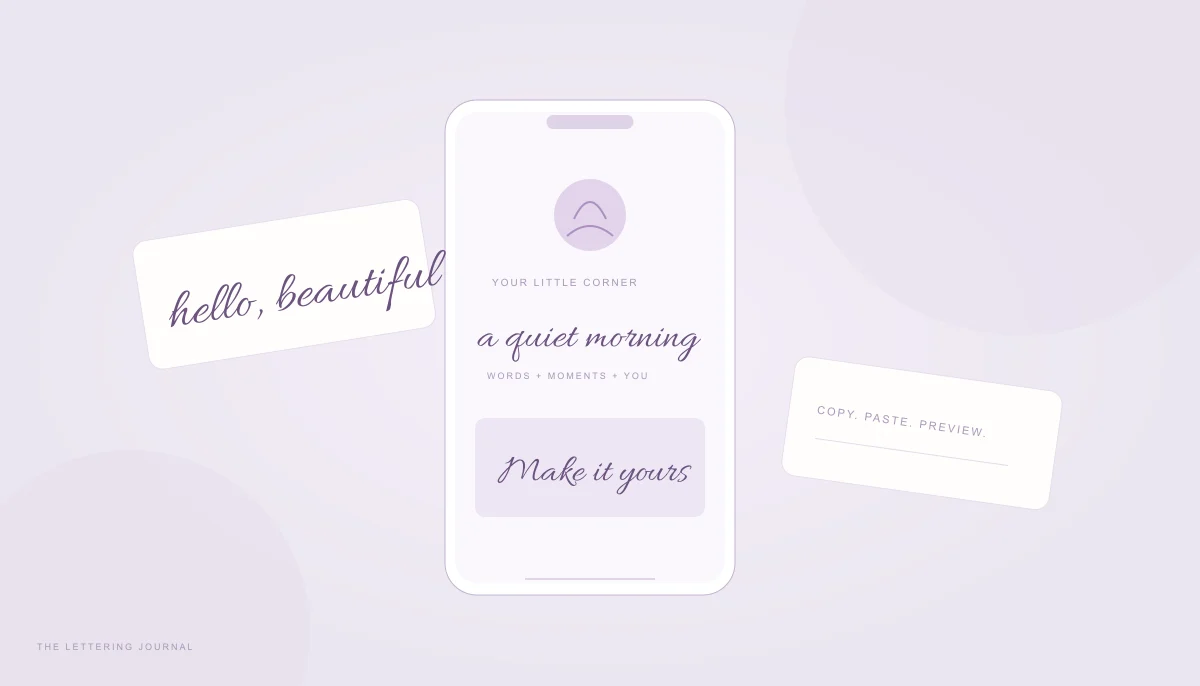
To get cursive fonts on Instagram, you usually copy decorative Unicode characters into a profile or caption. You are not uploading a new font to Instagram or changing the app’s typography settings. The characters carry their own identities, and the receiving app chooses how to draw them. That explains both the convenience of copy and paste and the occasional missing letter or unexpected appearance.
Use the generator’s copyable text mode for a short accent phrase. Keep important information, contact details, and links in ordinary text. Cursive can add personality to a profile, but it should not make the profile difficult to read, search, translate, or access with a screen reader.
Cursive Instagram Bio Fonts & Instagram Fonts Copy and Paste
Cursive Instagram bio fonts are most effective when they emphasize a few words rather than replacing an entire biography. A short creative phrase can sit beside a plain-text description of what you do. This preserves useful information while giving the profile a personal touch. Leave enough visual space that the decorative line does not compete with every other symbol and emoji.
Instagram fonts copy and paste tools commonly use mathematical script alphabets. Those symbols were created for mathematical distinctions, not as a general rich-text styling system. Using them for decoration is a practical workaround with accessibility and compatibility tradeoffs. If those tradeoffs are unsuitable for your audience, use ordinary bio text and reserve exact-font lettering for an image.
How to Change Your Instagram Bio to Cursive
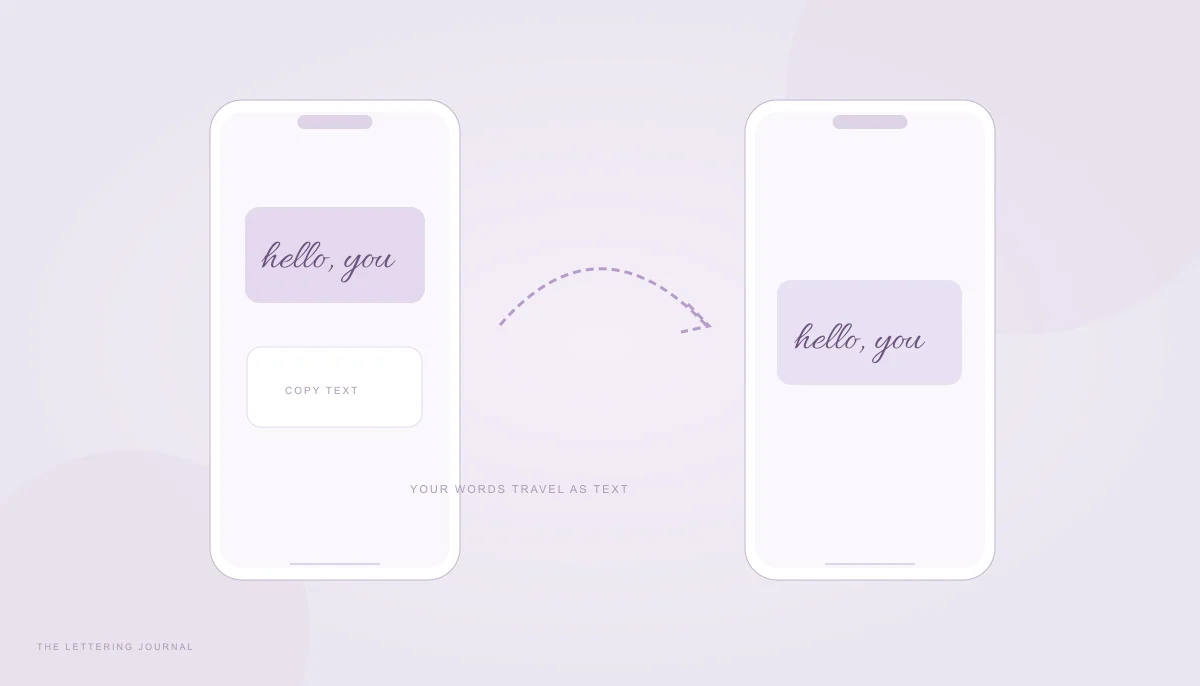
Begin with a short phrase such as “A quiet morning” or “Little things, lovely days.” Open the generator, switch to Copy & paste text, and enter the words. Compare Script and Bold script first. The preview remains selectable text, and Copy text writes those actual characters to the clipboard. The image generator’s font choice does not control this separate Unicode output.
Open your profile editor in Instagram and locate the bio field. Menu labels can differ between app versions, so use the edit control available on your profile rather than searching for a hidden font menu. Paste the copied phrase into the intended part of the bio. Keep your existing important information intact and review the complete field before saving.
After saving, view the profile normally. Check line breaks, any missing boxes, and whether the decorative phrase still sits comfortably beside plain text. A text field can accept a paste yet render the final profile differently. If possible, look from another device or ask someone to check the public view. Compatibility is determined by the receiving environment, not by the generator alone.
Avoid applying mathematical letters to a link, email address, or information people must type accurately. Keep usernames in their accepted ordinary form; display names and usernames are different fields with different rules. If a field rejects the phrase, shorten it or use plain text. Do not repeatedly add invisible characters to force a rejected style through a platform’s validation.
Stylish Cursive Fonts for Instagram Captions
A caption has more room than a bio, but a long decorative paragraph can be tiring to read. Use Instagram cursive text for a short opening phrase, then write the useful description in standard letters. That makes the caption easier to scan and leaves ordinary words available for search, translation, and accessible reading. Decoration should support the message rather than replace it.
Compare a phrase such as “Slow Sunday” in Script, Bold script, and Italic. Script provides flowing mathematical forms; Bold script adds weight; Italic is a separate slanted alphabet and may not look connected. Choose the style that remains clear at normal phone size. Avoid selecting a style solely because it looks dramatic in a large desktop preview.
For exact visual control on a story, cover, or photo graphic, use image mode instead. Choose a locally hosted font, set the background to transparent, and download PNG. Add the lettering to your own composition in an image editor that supports transparency. This preserves the font appearance, but the words become image content rather than selectable caption text. Provide the meaningful message in ordinary text as well.
Do not assume fancy Instagram fonts improve discovery or engagement. The tool makes lettering; it does not measure reach or influence Instagram’s ranking. Aesthetic Instagram bio lettering is a design choice. Test readability, keep a plain-text fallback, and choose a style that still feels appropriate when the novelty wears off.
Instagram Cursive Fonts for iPhone & Android Phones
The copying process is similar on iPhone and Android: generate the characters, copy them, and paste into the destination field. Differences appear in clipboard permissions, installed glyph coverage, app filtering, and final rendering. The browser cannot install the missing system font for Instagram or tell the app to use one of this website’s image fonts.
Copy Cursive Fonts on iPhone
Open the tool in a modern browser and enter a brief phrase. Use the explicit Copy text button after choosing a style. If a clipboard message reports a failure, select the visible Unicode preview and use the device’s normal copy command. A manual copy is a useful fallback because it does not depend on the same browser clipboard permission path.
Switch to Instagram, tap the intended editable text field, and use Paste. Be careful not to copy a font name, a screenshot, or the website address instead of the actual output. The preview in the text tab is selectable; the preview in a design card is an image. If the clipboard contains a picture, return to the text tab and copy again.
Check accented names carefully. This tool keeps accents, numbers, and punctuation unchanged because the mathematical script alphabet does not supply equivalent forms for every character. A name can therefore contain a mixture of styled and ordinary letters. Preserve the correct spelling rather than swapping in an unrelated lookalike character to make every shape seem consistent.
If iPhone displays the text well but another phone does not, the original copy may still be correct. The receiving app and font can draw the same characters differently. The compatibility troubleshooting guide explains how to distinguish missing glyphs from a copy failure. For important words, an ordinary-text version remains the most reliable choice.
Paste Aesthetic Cursive Text on Android
On Android, begin with a short test rather than rewriting the entire bio at once. Copy a phrase such as “hello, you,” paste it into a draft, and inspect each character. Then try the saved profile view. Manufacturers, system versions, keyboards, and app versions vary, so a successful preview in the browser cannot guarantee the same appearance throughout the phone.
If the phrase becomes boxes, try another Unicode style or use ordinary text. Changing between Script and Bold script changes the characters being requested; it may help in a particular environment, but no style has universal support. Updating the app or operating system can sometimes improve coverage, although the tool cannot promise that an update will supply a particular glyph.
Be aware that a decorative alphabet can count differently from ordinary letters in some fields. Many mathematical letters lie outside the basic multilingual plane, and applications may count or limit text in different ways. If a paste is rejected near the field’s limit, shorten the phrase and remove unnecessary decoration. Keep essential details ahead of optional styling.
For related uses, read the WhatsApp, TikTok, and Discord guide. If you want a name graphic rather than a bio accent, the name-lettering guide explains PNG and SVG choices. Keep the output type clear, test the destination, and let readability decide when a simpler style works better.
Your words, beautifully yours.
Try a real name or a favorite phrase. Compare fonts, save a design, or copy actual cursive text.
Open the free generator ↗A few more good reads.
Beautiful words, ready to paste
Bring cursive text to messages, bios, and display names without confusing text with image exports.
Read the guide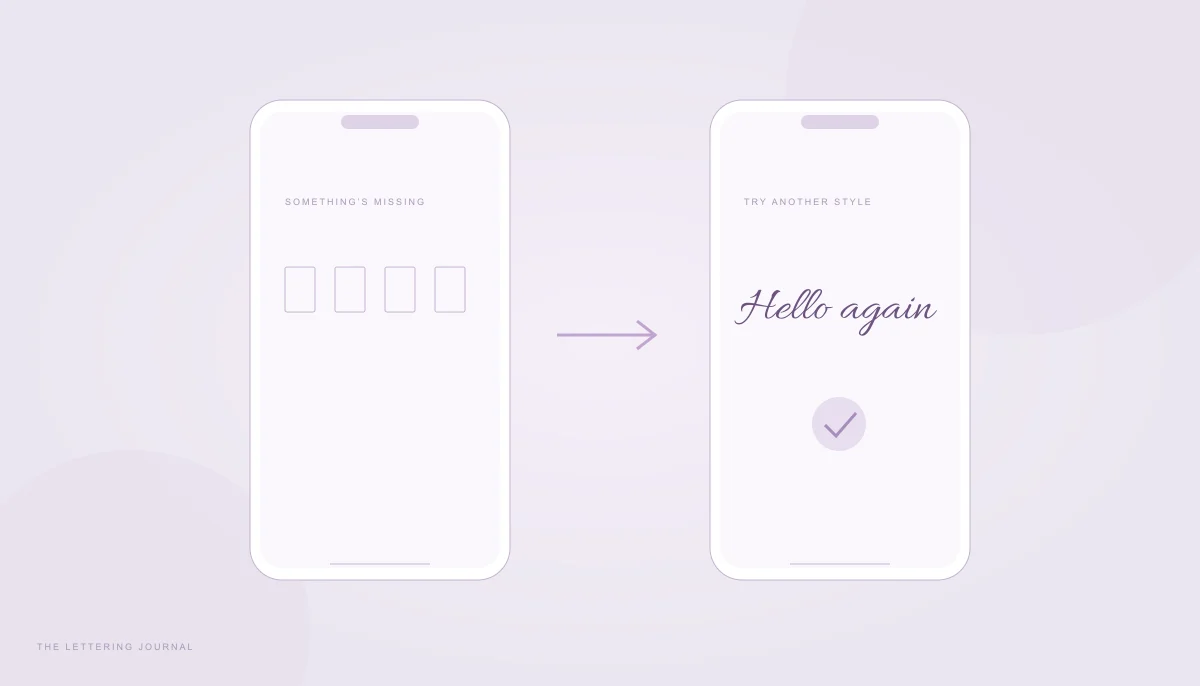
When your letters go missing
Find out why script turns into boxes and choose a more reliable way to share your words.
Read the guide