How to Make a Cursive Signature Online and Download a Transparent PNG
Create a decorative signature graphic, save transparent artwork, and place it carefully in a document.
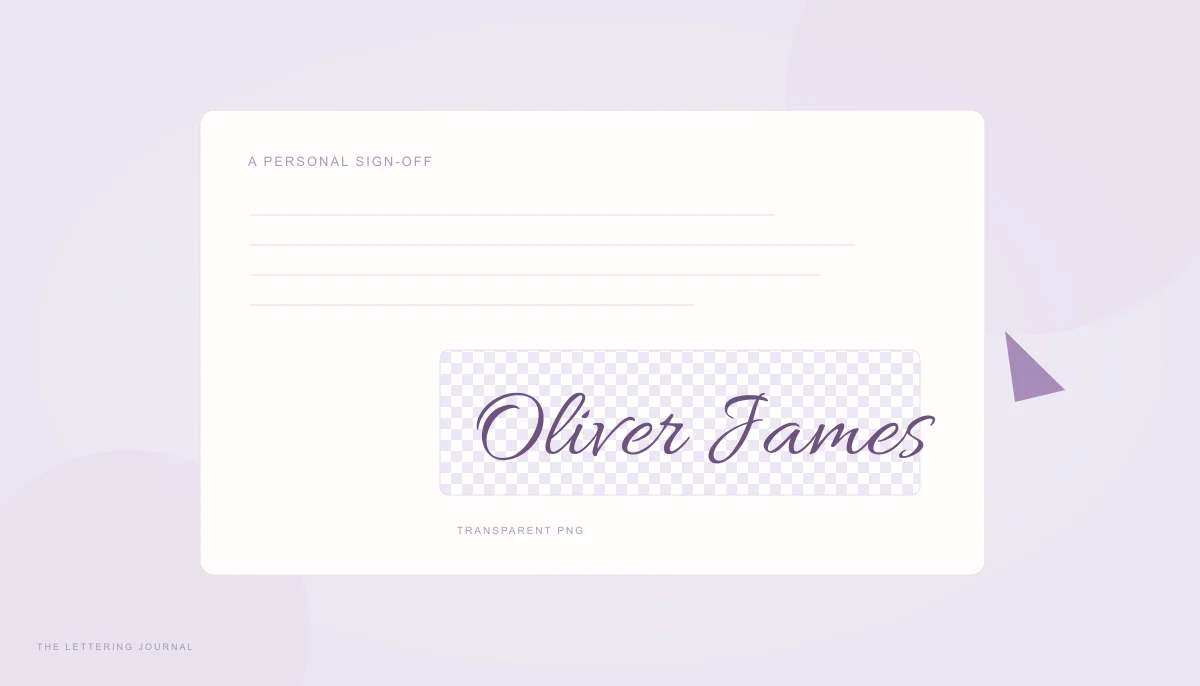
You can make a cursive signature online by typing a name, choosing a Signature font, and downloading the result as an image. It is a convenient way to create a decorative sign-off for a letter, portfolio, or personal graphic. A transparent PNG makes the lettering easier to place over an existing page without a visible white rectangle around it.
This guide covers a font-based signature graphic. It does not provide identity verification, signing consent, an audit trail, or a legally binding electronic-signature workflow. For a document that requires formal signing, use the process specified by the receiving organization. The homepage signature preview is intended for visual lettering and personal presentation.
Cursive Signature Generator & Handwritten Signature Maker
A cursive signature generator uses designed letterforms to create a consistent name image. A handwritten signature maker can therefore mean two different things: a tool that renders a typed name in a handwriting font, or a tool that records pen movement. This website does the first. It does not capture your natural handwriting or claim that a typed font is a unique personal autograph.
Start with the exact name you want displayed. Decide whether the graphic needs a full name, a first initial and surname, or a brief sign-off. Keep a plain-text version available wherever the name is important information, because an image alone is not the most accessible representation.
Turn Your Name into a Cursive Signature
Enter the name in the tool and open Change font style. Choose Signature, compare the font samples, and apply a favorite. Generate designs to see the related families together. Allura, Sacramento, and Allison provide noticeably different starting points within this collection. Use your own name during comparison; the same family can look balanced with one set of letters and crowded with another.
Try the full name and an initials version on separate passes. “Oliver James” has a different rhythm from “O. James” because the capital, period, and word space change the composition. Avoid shrinking the full version so much that the surname becomes a dense line. A simpler font or a slightly wider placement may solve the problem more gracefully.
Keep the first comparison neutral: dark text, no outline, and a plain background. Evaluate the shape before adjusting color. A decorative underline can compete with descenders or appear to cross another letter. The best sign-off is usually readable at the actual size where it will appear, even when the reader has not seen the name in advance.
If you want to practice writing your own signature by hand, use the font only as inspiration. Learn a repeatable movement that suits your normal writing rather than tracing an elaborate design you cannot reproduce comfortably. The name-writing guide explains the difference between a finished graphic and pen practice.
Choose a Beautiful Handwritten Signature Style
Look closely at capitals, repeated letters, and the ending. A signature graphic may have an expressive opening, but the surname should still be identifiable. Try the complete name in a smaller preview before deciding that a highly ornamental capital is suitable. A compact document footer asks for different proportions from a large portfolio title.
Signature styles can be light and sweeping, informal and uneven, or more deliberately calligraphic. There is no single correct personality for a name. Compare the mood of the surrounding document: a quiet letter may suit restrained script, while a creative portfolio can support more movement. Match the graphic to its context without treating a font category as evidence of professionalism or authenticity.
Use spacing conservatively. Connected fonts contain carefully shaped joins, and large tracking values can separate strokes that were meant to meet. If letters look cramped, first try a different family or a larger display size. Use fine tuning only when it improves the actual name. A thick outline may increase apparent weight while also closing small loops.
For a dark page, choose a lighter text color and inspect contrast. For a light document, a clear dark color is usually a sensible starting point. If the signature will be printed, review a draft on the intended paper and scale. Screen brightness can make a pale line seem more visible than it will be in a printed layout.
Create a Digital Cursive Signature & Download Signature PNG
The phrase “create a digital cursive signature” here means creating decorative digital artwork from a typed name. The output is an image file or vector illustration. It does not certify who created it, record agreement, or make the file tamper-evident. Keep that distinction clear when choosing how to sign an important document or responding to a request for an authorized signature.
How to Save a Signature with Transparent Background
In image mode, change Background from Solid fill to Transparent before opening the result. The checkerboard indicates transparency in the preview; it is not part of the exported PNG. Keep the chosen text color and review the complete name. Long flourishes and descenders receive padding in the export, so do not crop the file tightly without checking the visible strokes.
Open the design’s preview dialog and choose a PNG resolution. The 2× option is a useful starting point for many document layouts. A larger scale supplies more pixels without changing the fundamental font design. The exporter limits exceptionally large canvas dimensions to avoid unnecessary memory use, so the selected scale may be capped for a very long or large design.
Select Download PNG and save the file through the browser’s normal download flow. Reopen it in an image viewer or the destination application. A transparent image can look white in a viewer that places white behind transparency, so test it over a colored shape if you are unsure. Do not use a screenshot of the checkerboard preview as a substitute for the exported file.
SVG is another option when the destination accepts it. Its shaped outlines preserve the exact lettering without requiring the recipient to install the chosen font. Some document or email tools do not accept SVG, so PNG is often the easier exchange format. Copy image is a separate clipboard action, supported only when the browser and receiving app permit image writes and pastes.
How to Use a Signature Image in Documents
Insert the PNG using your document editor’s image command, then resize with the aspect ratio preserved. Stretching only the width or height distorts the lettering. Place it with enough space around the visible strokes and check its relationship to nearby text. A small image may look sharper at a modest size than one enlarged beyond its available pixels.
For a letter, put the graphic near the typed name rather than making it the only name on the page. That keeps the document readable and searchable even if the image does not load or is difficult to interpret. If the editor supports alternative text, describe it simply as the person’s name or decorative signature, without claiming verification that the graphic does not provide.
In email, image display and scaling vary between clients. Test a message you send to yourself and inspect it on a phone as well as a larger screen. Some clients may block remote images or change layout. This website does not host a personal signature image URL for your email; the downloaded file is yours to place using your own email tool’s supported process.
For formal agreements, follow the recipient’s required signing procedure and seek appropriate advice when the legal effect is uncertain. A decorative typed-name graphic is not a substitute for whatever authentication and consent process the document requires. For related design choices, compare the script style guide and the name-lettering examples before exporting the final artwork.
If the signature needs a specific physical page, the Calligraphy Print Size Calculator sets paper dimensions, margins, and PNG resolution. Check a printed proof at actual size before placing the design in a finished document.
Your words, beautifully yours.
Try a real name or a favorite phrase. Compare fonts, save a design, or copy actual cursive text.
Open the free generator ↗A few more good reads.
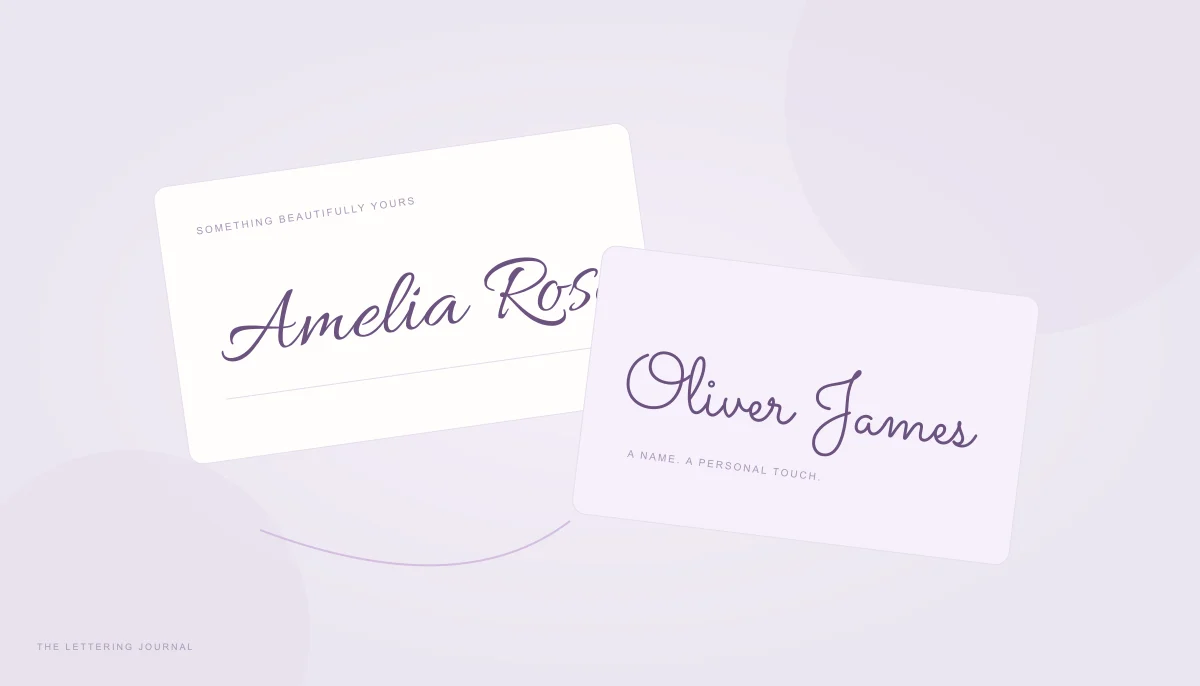
Make your name feel like you
Compare first names, full names, and initials, then choose between image lettering and copyable text.
Read the guide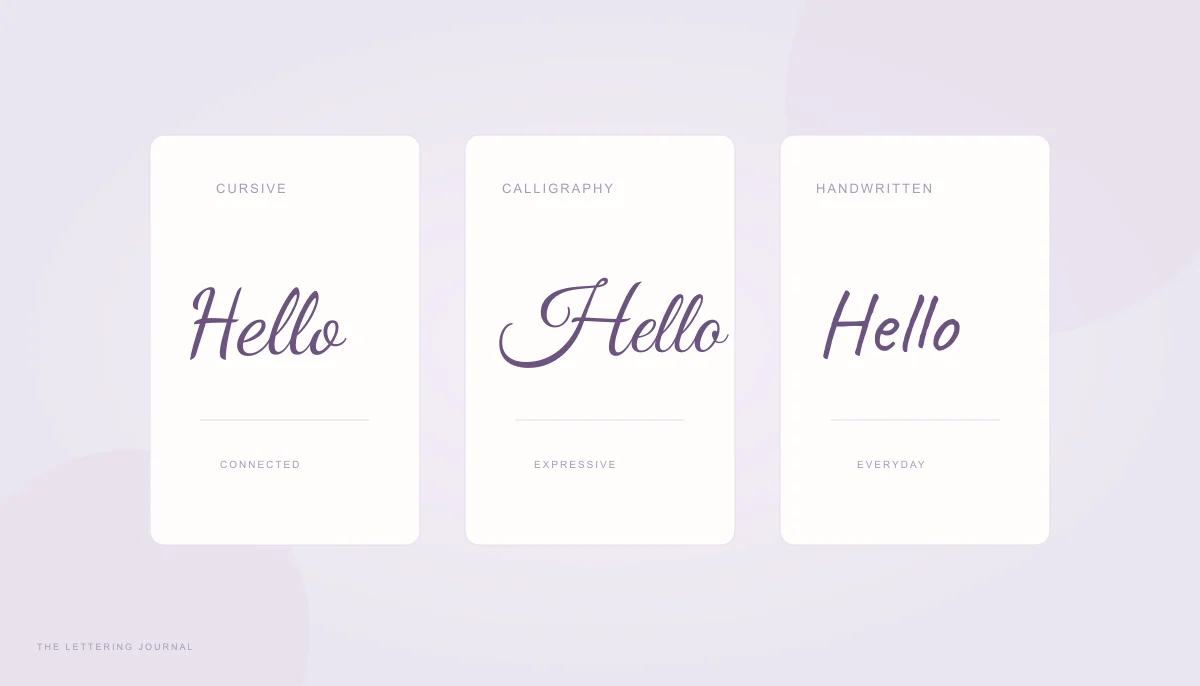
Find the right kind of script
Understand the differences between joined handwriting, expressive calligraphy, and digital script fonts.
Read the guide