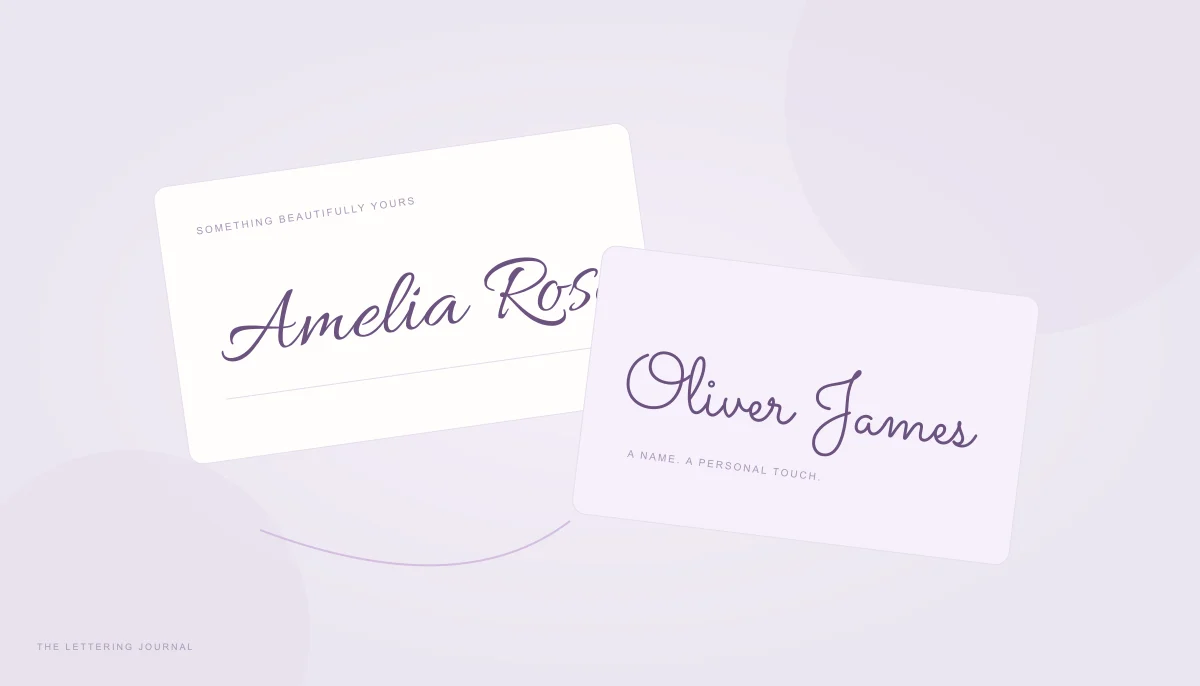
Cursive Font Size Calculator & Online Font Size Finder
An empty rectangle can be harder to design around than a finished phrase. You know the space on a card or graphic, but choosing a starting script size can mean repeated guesses. This font size calculator reverses that process: enter the wording and available dimensions, then find the largest measured size within your chosen limits. It checks both width and height after padding. The result is a practical starting point for a composition, with a live boundary that makes unused space visible. You can change the font or arrangement and compare the recommendation immediately.
Find the Best Font Size for Cursive Writing
The tool performs a bounded search between your minimum and maximum values. At each candidate size, it measures the selected font's actual lettering and checks whether the result stays inside the usable rectangle. It narrows the range until it can report a size to a tenth of a pixel. This is more useful than assigning the same number to every name with a similar character count. A wide capital and a tall descending stroke can constrain different sides of the box. The displayed recommendation belongs to your current wording, layout, line height, and spacing; changing any of them can change the best fit.
Calculate Handwriting Font Size in Pixels
Font size in pixels describes the digital scale used for drawing. Available width and height are entered in CSS pixels. Padding is removed from both sides of each dimension, so a six-hundred-pixel-wide area with twenty-four-pixel padding leaves 552 pixels for the text. The handwriting font size calculator reports the resulting font size, equivalent points, measured bounds, and unused horizontal and vertical space. If even the minimum does not fit, the tool says so and prevents a misleading fitted export. If the maximum fits comfortably, it explains that the search reached your upper limit. Raise that maximum deliberately if you want to explore a larger result rather than assuming the first answer is an unrestricted optimum.
Calligraphy Font Size for Logos and Invitations
A fitted design is not automatically a balanced design. Calligraphy font size should leave enough room for the setting, other words, and the purpose of the piece. A formal invitation may benefit from space around its names, while a short display logo can fill more of its rectangle. Start from the appropriate preset, then edit the dimensions to match your real project. The presets describe convenient working areas rather than industry requirements. Use the Text Width Calculator when you already have a preferred font size and simply need to inspect its dimensions before adjusting a layout.
Choosing Cursive Font Sizes for Logo Designs
For a logo, try the exact business name rather than a temporary phrase. Choose single-line mode when the name must remain one unit. Reserve padding for descenders, flourishes, and separation from a neighboring symbol. The largest mathematical font size for logo artwork can still feel crowded when placed beside an icon or used at a small scale. Inspect a reduced version and check whether counters and joins remain distinct. If you intend to add a tagline later, exclude its region from the available area now. The downloadable fitted PNG contains the design rectangle, making it convenient to compare multiple candidates in the same presentation.
Recommended Font Sizes for Wedding Invitations
There is no universal script font size for an invitation because letterforms, names, card dimensions, and printing conditions differ. Begin with the wedding invitation preset, enter the couple's actual names, and decide where intentional line breaks belong. Multiline mode can wrap within the usable width; single-line mode joins entered line breaks with spaces. Keep important details such as dates and addresses in a clear supporting style outside this lettering block. When moving from layout pixels to physical paper, use the Calligraphy Print Size Calculator to choose the actual page size and resolution. Review a printed proof before committing to a complete set.
How to Calculate Font Size for Your Text
Use this text fitting calculator as a measured design loop. Set the area, load a font, review the result, and then refine only the part that needs attention. Width often limits a long name, while height can limit several short lines. The remaining-space values help reveal which boundary is doing the work. Increasing the other dimension may have little effect when one side is already restrictive. The Find Best Font Size button repeats the calculation with your current inputs, and live updates provide the same search after edits without a page reload.
Enter Your Text and Available Space
Enter the final phrase with its intended punctuation. Set width and height to the area actually reserved for lettering rather than the dimensions of an entire document containing other material. Choose padding large enough to create useful separation, but avoid consuming all the available space. Minimum and maximum sizes must be valid and ordered. A narrow single line might require a smaller minimum, whereas a large display panel can benefit from a higher maximum. If the tool reports that padding leaves no usable area, adjust the geometry before changing fonts. Font selection cannot solve a rectangle whose inner width or height is zero.
Select a Cursive Font and Calculate the Size
Browse a few contrasting families and let each loaded font complete its measurement before judging the result. A script with tall capitals can reach the height boundary sooner than a quieter handwriting face. Use alignment to position shorter lines inside the design area; alignment changes placement rather than the underlying glyph size. Adjust line height when several lines feel crowded, then allow the search to run again. Copy CSS font size transfers the numeric recommendation, but the destination also needs the matching family, tracking, and line arrangement. Explore lettering styles first in the main Cursive Handwriting Font Generator if you are still deciding on the overall mood.
Understanding Font Size, Text Height and Letter Spacing
Nominal font size describes the scale used to draw a font, not the exact height of its visible letters. Some faces leave generous space inside that scale, while others use large ascenders and flourishes. Added tracking is measured in pixels and remains separate from that scale. Line height controls the baseline step between lines, which can increase the total occupied height substantially. The preview outlines the usable area, letting you judge those relationships together. Read the guide to cursive and calligraphy styles for examples of why seemingly similar script designs can behave differently.
Font Size in Pixels vs Points
For this calculator, the reference conversion uses ninety-six CSS pixels and seventy-two points per inch. Multiply a CSS pixel value by 0.75 to express the same reference size in points. A forty-eight-pixel recommendation therefore corresponds to thirty-six points under that assumption. This does not promise that the lettering will occupy half an inch vertically on every screen or printed page. Screens are not physically calibrated here, and visible glyph height differs from nominal size. Keep the original unit when copying into a web stylesheet. For printing, establish page dimensions and output pixels separately instead of interpreting a CSS font size as a complete print specification.
Why Different Cursive Fonts Look Different at the Same Size
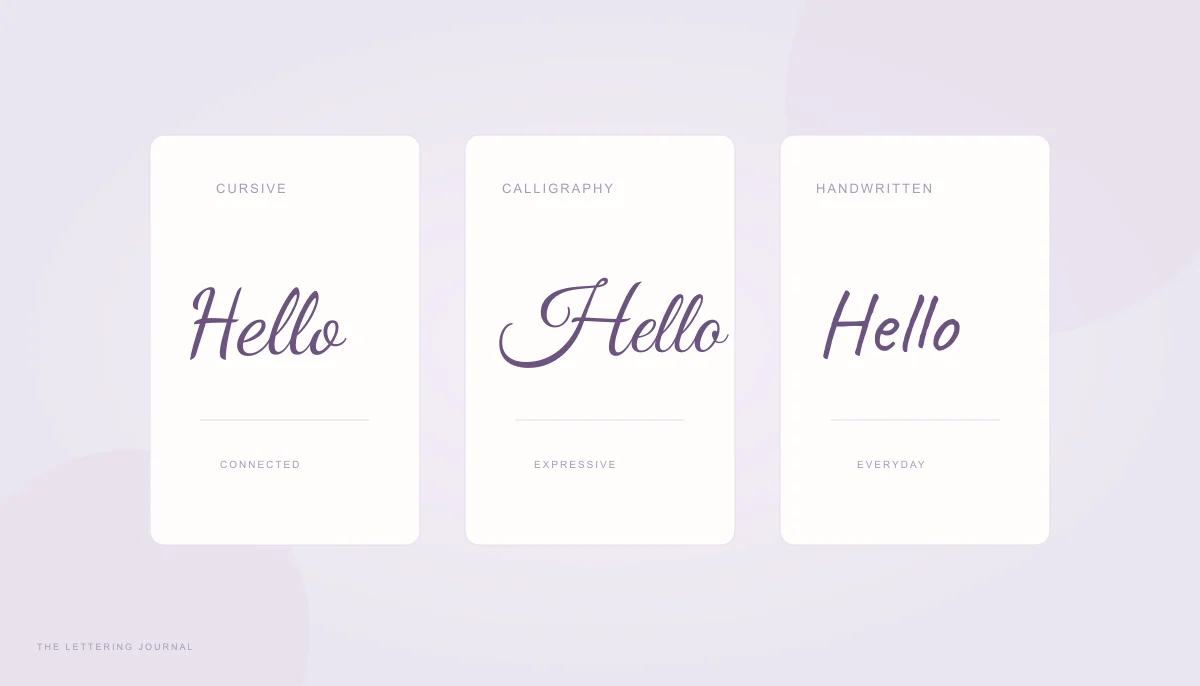
Differences in lowercase height, capital proportions, stroke contrast, slant, and connected forms all influence perceived size. Two faces can fit the same box yet look very different in visual weight. A thin ornamental font may need more space to remain readable than its geometric bounds suggest. Compare the completed phrase rather than matching numeric sizes between unrelated families. If joins feel awkward, the Calligraphy Letter Spacing Calculator offers direct comparisons before you finalize the fit. The fitted PNG is rendered from the chosen font at the design area's actual pixel dimensions; it is not an enlarged screenshot of the small preview shown on the page.