Cursive vs Calligraphy vs Script Fonts: What's the Difference?
Understand the differences between joined handwriting, expressive calligraphy, and digital script fonts.
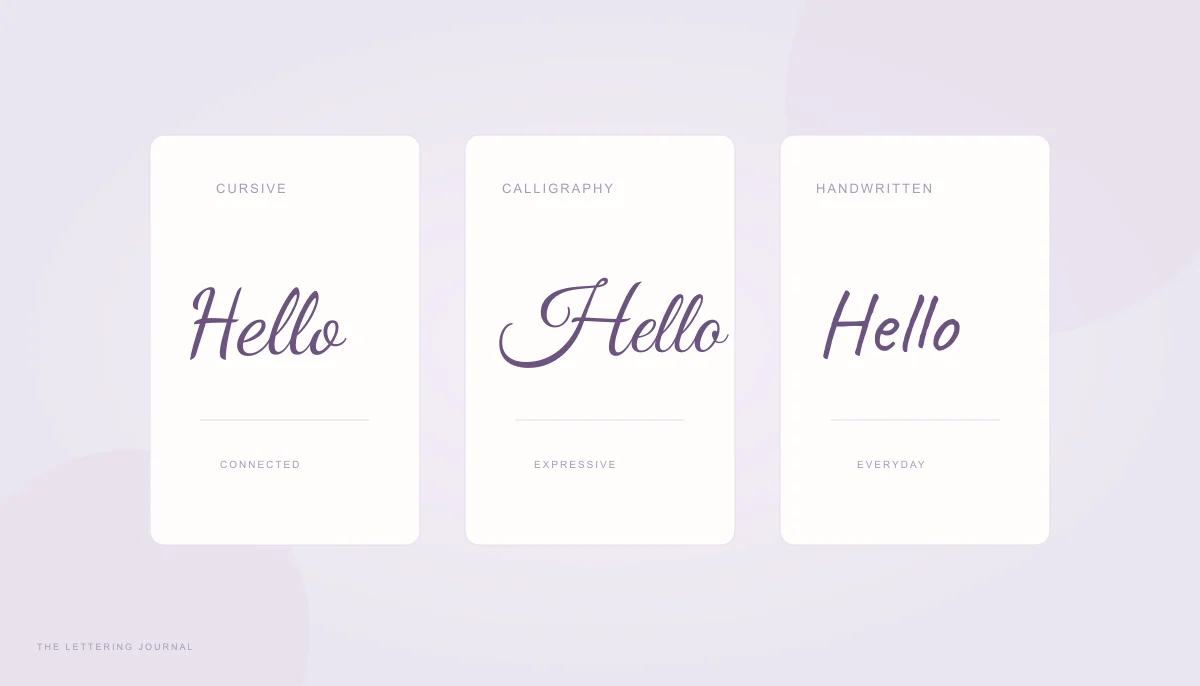
Cursive, calligraphy, and script fonts overlap in appearance, but they describe different things. Cursive is a way of writing with a connected rhythm. Calligraphy is the deliberate construction of expressive letterforms. A script font is a digital typeface that can imitate either of those traditions or combine several influences. A font can look handwritten without having been written by a person each time it appears.
Understanding cursive vs calligraphy helps you choose a useful style rather than relying on an attractive category name. Compare the same words in the homepage generator, then judge the actual letters, spacing, and intended size. The category is a starting point; the visible result is the decision.
Cursive Writing vs Calligraphy & Traditional Handwriting
Traditional handwriting is a broad activity that includes joined writing, separate printed letters, and mixtures of the two. Cursive usually emphasizes the movement between letters, while calligraphy gives particular attention to the structure and expressive quality of individual strokes. Neither term describes a single universal alphabet. Schools, historical models, writing tools, and personal habits all produce variations.
In a digital collection, these categories inevitably overlap. A light script can feel both cursive and calligraphic. A brush font may connect its letters while using dramatic stroke contrast. It is more useful to identify the features you need than to insist that every font fits only one label.
What Makes Cursive Handwriting Different?
Cursive handwriting uses connections that support a continuous writing rhythm. The exit of one letter often becomes the entrance of the next, although pen lifts still occur where a model or a word needs them. Small-letter heights, tall ascenders, and lower descenders help organize the line. Readability depends on consistent proportions and enough space between words.
Connected does not mean unbroken at all costs. Dots and crosses can be added after the body of a word, and some capitals are written separately from the following letter. Forcing every shape into one continuous line can create awkward joins. A practical handwriting model balances movement with recognizable forms rather than treating pen lifts as mistakes.
Compare the phrase “little moments” in Dancing Script and Caveat. The first suggests a more connected typographic rhythm, while the second feels closer to an informal note. These are visual observations about particular fonts, not measurements of a writer’s speed or personality. Digital forms repeat consistently, while human handwriting varies with movement, pressure, and context.
If your aim is to learn the physical skill, start with the beginner cursive lesson. A font preview shows a finished outline but cannot explain every pen path. Use it to notice proportions and connections, then practice from a consistent handwriting model with guides suited to your chosen letter heights.
Calligraphy Lettering Styles and Examples
Calligraphy pays deliberate attention to the construction of strokes, the spaces within and between letters, and the overall composition. Depending on the tool and tradition, the result may show strong thick-thin contrast or a more uniform line. It can be formal, restrained, energetic, or decorative. Swashes are one possible feature, not the definition of calligraphy itself.
In this font collection, Great Vibes and Pinyon Script provide formal, decorative directions, while Water Brush suggests a more painted movement. Compare the same text and keep size fixed. Look at the capital, the open counters, and the transition into small letters. A high-contrast stroke can look refined at a large size yet become fragile when reduced.
Calligraphy vs handwriting is therefore not a contest between beautiful and ordinary writing. Everyday handwriting serves communication; calligraphic work may give the form itself a larger role. A carefully written plain note can be beautiful, and an ornate font can still be difficult to read. Choose according to the project’s purpose rather than assuming decoration always adds quality.
A font-based generator does not reproduce all the decisions a calligrapher makes for a particular composition. It may apply built-in ligatures and positioning, but it does not automatically redraw a unique invitation or adapt every flourish around surrounding artwork. For a highly specific piece, use the preview as inspiration and consider custom lettering by an appropriate artist.
Cursive Fonts vs Script Fonts & Handwriting Font Styles
Cursive vs script becomes clearer when you separate a writing practice from a digital category. Script fonts are designed sets of glyphs that evoke pen or brush lettering. They can be connected, partly connected, or unconnected. The types of handwriting fonts include informal note styles, formal scripts, signature styles, and more expressive brush families. The terms describe tendencies rather than exclusive boxes.
Best Font Styles for Names and Invitations
For a name, begin with the exact spelling and its most distinctive letters. A large L, repeated l shapes, or a long surname may change which font feels balanced. Signature can provide a personal sign-off, Handwritten can feel informal, and Wedding can add a more romantic tone. Compare the full name before choosing a category based on its label alone.
For an invitation, decide which information deserves decorative emphasis. A couple’s names or a short heading can use a script while dates, times, locations, and instructions stay in a clearer text face. This creates hierarchy and helps readers find the practical details. The generator produces lettering artwork; it does not need to style every word on the invitation.
Keep the viewing distance and final size in mind. Thin strokes, small loops, and wide swashes consume space differently. Test the longest name or heading, then check the smallest intended version. A font that looks lovely at the top of a large preview may not be the best choice for a small place card or narrow envelope label.
For specific examples, read the name-lettering guide and signature image guide. Both show how a complete name changes the design problem. The same family can serve several uses, but alignment, line breaks, transparency, and surrounding whitespace should change to fit the actual layout.
Choosing Cursive or Calligraphy for Designs
Start with the mood and the job. A casual journal title may benefit from a relaxed handwritten family. A formal invitation may need a carefully balanced calligraphic script. A bold poster might suit Brush or a heavier vintage direction. These choices are design judgments, so compare a few plausible options instead of assuming one label guarantees the intended effect.
Then test the format. PNG is convenient when you need a finished image and broad compatibility. A transparent background helps place lettering over another design. SVG keeps the shaped vector outlines sharp at different sizes and does not require the destination to own the font. Choose the format your actual editor or printer accepts, and reopen the exported file before final use.
Copyable Unicode text is a different category altogether. It substitutes mathematical letters that the receiving app draws with its own fonts. It cannot preserve the appearance of a particular script family, and it can affect accessibility and search. Use the image generator for exact-font artwork and the text tab only when selectable decorative characters suit the destination and audience.
When comparing cursive and calligraphy differences, keep a short checklist: recognizable letters, open spaces, appropriate weight, enough padding, and a useful output format. For a permanent or specialized design, such as tattoo lettering, bring the reference to a professional who can adapt it to the medium. A considered choice begins with clear words and ends with a design that works where it will actually appear.
Your words, beautifully yours.
Try a real name or a favorite phrase. Compare fonts, save a design, or copy actual cursive text.
Open the free generator ↗A few more good reads.
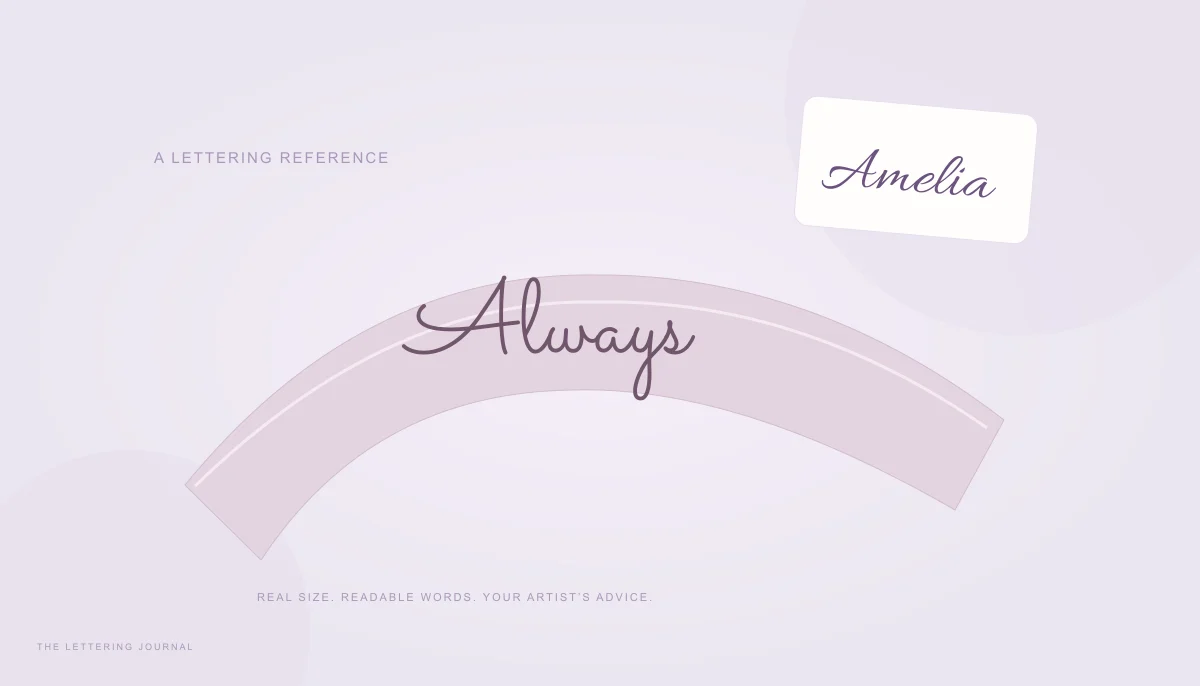
Lettering with a lasting meaning
Explore script styles at real size and prepare a clear lettering reference to discuss with your artist.
Read the guide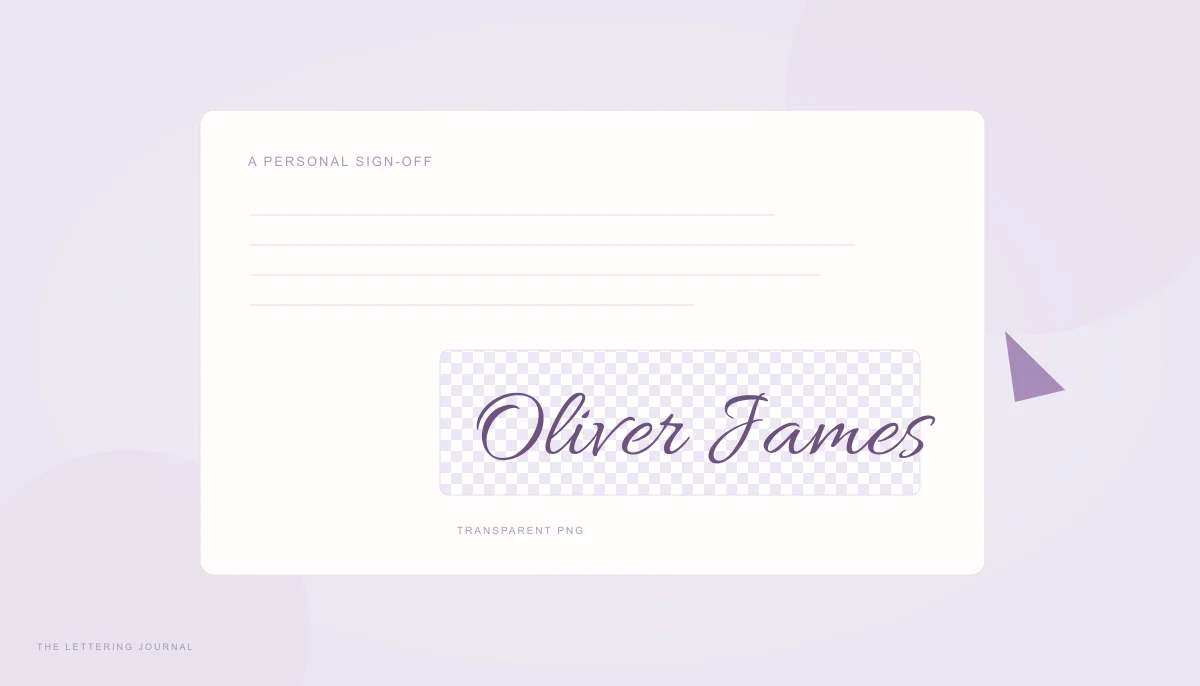
A signature of your own
Create a decorative signature graphic, save transparent artwork, and place it carefully in a document.
Read the guide