How to Copy and Paste Cursive Fonts on WhatsApp, TikTok and Discord
Bring cursive text to messages, bios, and display names without confusing text with image exports.
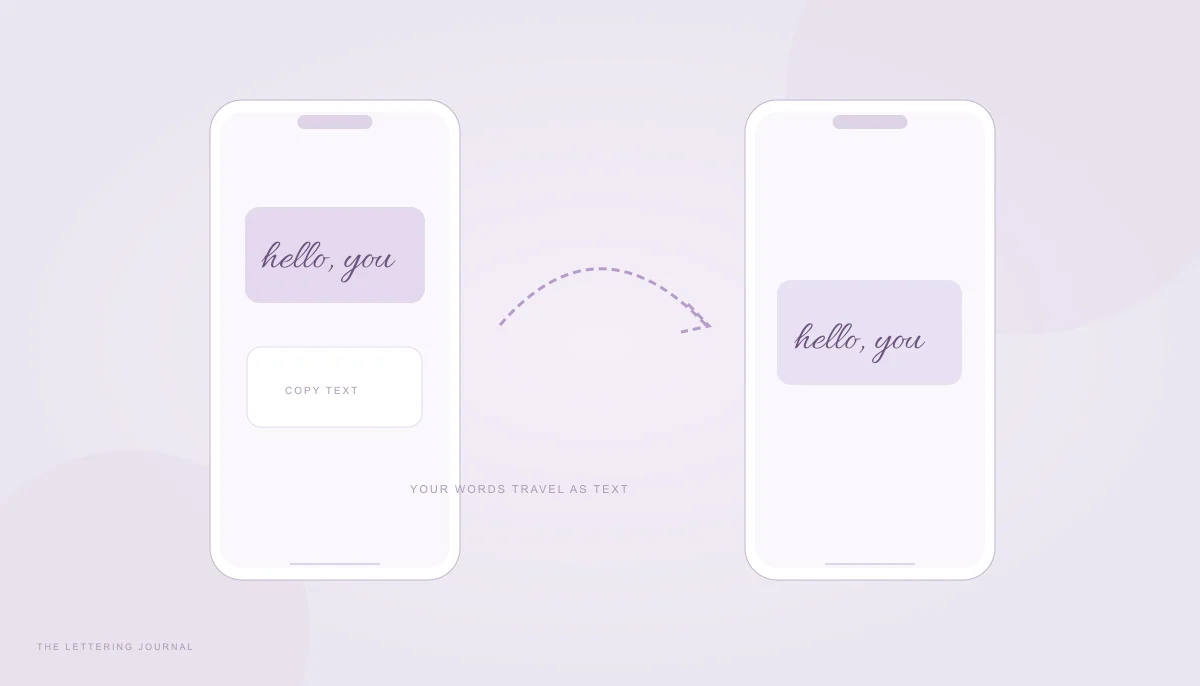
To copy and paste cursive fonts, you need actual text characters rather than a picture of lettering. This site’s text mode converts supported ordinary Latin letters into Unicode script or italic variants. You can copy the result and try it in a message, profile, caption, or display-name field. The receiving application still controls which characters it accepts and how they appear.
Start with the copyable cursive panel, type a short phrase, and keep an ordinary-text version nearby. Decorative characters can be useful as a small accent, but they may be difficult for assistive technology, search, and translation. Important instructions and identifying information are better left in standard text.
Cursive Fonts for WhatsApp & WhatsApp Stylish Text
Cursive fonts for WhatsApp usually refer to pasted Unicode characters, not a custom font installed inside a conversation. The generator changes the letters themselves. That is different from WhatsApp’s built-in message formatting, which can apply styles such as italic or bold to normal text. Those two approaches have different results and should not be confused.
For a simple emphasis, use the formatting the app already supports. For a decorative mathematical script phrase, copy it from the generator and check the actual message before sending. WhatsApp stylish text should remain a small, readable part of the conversation, especially when the message includes a time, address, name, or instruction.
How to Use Cursive in WhatsApp Messages
Enter a greeting such as “Thinking of you” in the text tab. Compare Script and Bold script, then select Copy text beside the version you prefer. Open a draft message in WhatsApp and paste. Inspect the whole phrase, including punctuation and any accented letters. This tool preserves unsupported characters instead of changing them into unrelated decorative symbols.
If you only need a slanted emphasis, WhatsApp’s official formatting instructions describe surrounding ordinary text with underscores to request italic formatting. Italic message formatting is not a joined calligraphy font. It is often a more accessible choice than replacing the letters with mathematical symbols, because the underlying message remains ordinary text.
Keep a decorative greeting separate from useful details. For example, a short script “Thank you” can precede a plain sentence explaining what you appreciated. A long stylized paragraph is harder to scan and may be announced awkwardly by a screen reader. People should be able to understand the message without interpreting an entire unfamiliar alphabet.
When a recipient reports boxes or missing letters, resend the important words in plain text. The fact that your own phone displays cursive WhatsApp fonts correctly does not prove the recipient has the same glyph coverage. Do not keep substituting visually similar letters from unrelated writing systems. Correct spelling and understandable content matter more than a perfectly uniform decorative appearance.
Cursive Writing for WhatsApp Status
A text status and a graphic status are different design opportunities. For text, paste a short Unicode phrase and review the resulting layout before posting. Keep the line brief enough that wrapping does not split an important name awkwardly. Add plain text where the meaning needs to remain easy to read, rather than using cursive symbols for every word.
For an image-based status, choose image mode in the generator. Select a real font, adjust the color, and download PNG. A transparent PNG can be placed over your own photograph in a compatible editor; a solid-background PNG is ready to use as a simple lettering graphic. The image preserves the selected font, but its words are not the same as selectable status text.
Use contrast deliberately. A pale script on a bright photograph may look attractive in a large preview but disappear on a phone. A subtle outline can help an image, yet a thick outline can close the gaps inside small letters. Check the finished composition at the size viewers will actually see, including any cropping the status interface applies.
Cursive writing for WhatsApp status does not require a font installation or account on this site. The page and its local assets need to load first, then conversion and export happen on the device. If a clipboard operation is blocked, use manual text selection or download the image. The phone troubleshooting guide covers these different failure paths.
Cursive Fonts for TikTok & Discord Copy and Paste
A bio, a caption, a display name, and a username may look similar on screen, but they have different acceptance rules. Never assume that a style accepted in a message will also be accepted as an account identifier. Use ordinary text for handles people must type and search. Treat fancy display lettering as an optional accent that can be removed without losing identity.
Cursive TikTok Bio and Caption Fonts
For TikTok cursive writing, draft a short phrase before opening the destination field. Copy the chosen style from the generator, paste into the editable bio or caption, and inspect the saved result. Menu names and field limits can change, so follow the current app interface. The website cannot override platform restrictions or enable a hidden custom-font feature.
A good test phrase contains the actual letters you intend to use. “Hello” can display correctly while a longer name contains an unsupported character. Check capitals, accents, punctuation, and numerals rather than assuming one successful word proves the whole alphabet works. The generator leaves numbers in their ordinary form because script alphabets have no matching script digits.
Use script for a small phrase with a clear purpose, such as a series title or a personal sign-off. Write the rest of the caption in ordinary letters. This gives readers a dependable way to understand the message and avoids making decorative characters the only searchable representation of a topic. A screenshot-like image cannot replace a useful text caption.
If you want the exact look of a particular font in a video graphic, use a downloaded PNG in your own editing workflow. Copying Unicode will not reproduce Allura, Great Vibes, or another image font. A pasted mathematical script character is drawn by the destination app. The Instagram guide explains the same distinction for bios and social graphics.
Fancy Cursive Text for Discord Names
Discord fancy fonts are best tested in a draft message before you change a display name. Copy a short version, paste, and check whether the letters remain clear at the smaller size used in a conversation list. A style that looks elegant in a large heading can become difficult to recognize beside many other names and avatars.
Distinguish your display name or server nickname from an account username. Different fields may accept different characters, and a server may have its own naming expectations. Respect those rules and keep the plain name available. Do not use decorative symbols to imitate another person, hide an identity, or make moderation and communication unnecessarily difficult.
Cursive symbols copy and paste can also affect mentions, searches, and screen-reader output. Mathematical letters are separate characters with their own semantics; they are not merely a visual layer applied to normal letters. A reader may need to copy your styled name exactly to find it. A short plain-text alias in your profile can make recognition easier.
When troubleshooting, separate three questions: did copying succeed, did the field accept the text, and can the recipient render the glyphs? A failure at one stage does not imply a failure at all three. Try manual selection for copying, a shorter phrase for field restrictions, and a simpler style for missing glyphs. If the purpose is communication, ordinary text is a complete and useful fallback rather than a failed design.
Your words, beautifully yours.
Try a real name or a favorite phrase. Compare fonts, save a design, or copy actual cursive text.
Open the free generator ↗A few more good reads.
A cursive touch for your bio
Create true Unicode script for a profile or caption, with practical checks for iPhone and Android.
Read the guide
When your letters go missing
Find out why script turns into boxes and choose a more reliable way to share your words.
Read the guide